

English to Hindi translate in voice audio: a simple guide
English to Hindi translate in voice audio, voice message translation, hindi voice translator, real-time translation, speak to translate
You want to send a voice message in Hindi. You don't speak Hindi. A year ago, that sentence would have been the end of the story. Today, it's the beginning of a very short guide.
English to Hindi translate in voice audio sounds like something out of a sci-fi movie if you haven't tried it yet. But the basics are simple — and once you've done it once, it stops feeling like technology and starts feeling like talking.
Here's everything you need to know, in plain terms.
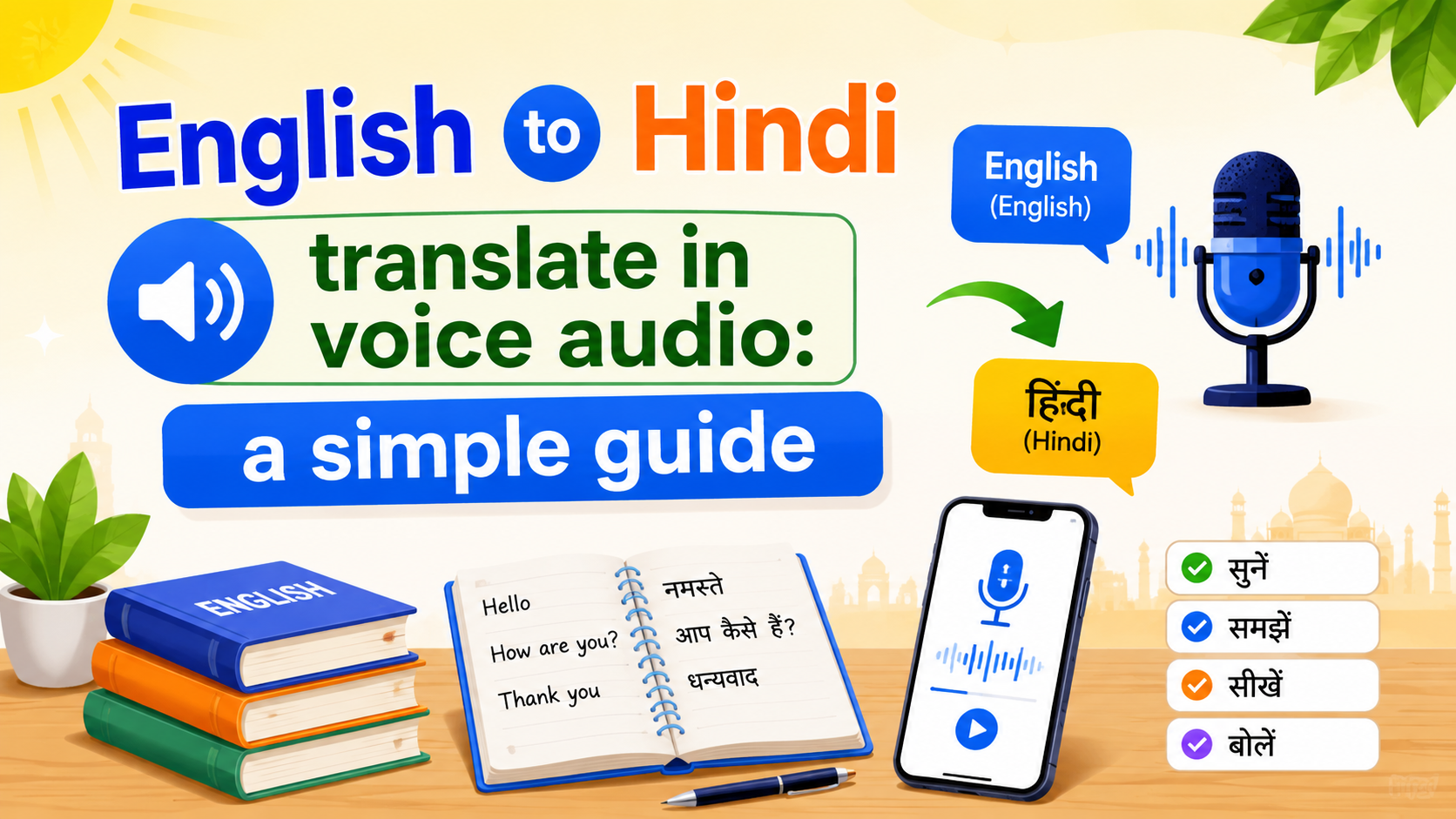
What it actually does
You speak into your phone in English. The app listens, transcribes your words, translates them into Hindi, and delivers them as a voice message — spoken in a voice that sounds like yours. Not a robotic text-to-speech voice. Your voice.
The person on the other end taps play and hears you. Speaking Hindi. Sounding like you.
No copy-paste. No switching between a translator and a chat app. No typing. This is exactly what voice translation that keeps your own voice is built for.
What you need
Three things. That's it.
A smartphone. iPhone or Android. The app works on both.
An internet connection. Voice translation uses cloud processing, so you need to be online. Wi-Fi or mobile data — either works. A short voice message uses very little data.
The right app. Not every translation app handles voice well. Some translate text but make you copy-paste. Some do voice but read it back in a flat, generic tone. What you want is an app that translates inside the chat — you stay in the conversation, and the language barrier becomes invisible. Ideally, one that preserves your actual voice so the person hearing it knows it's you.
Your first voice message: step by step
Open the app. Go to a chat — with your mother, your grandmother, a friend, whoever you want to reach in Hindi.
Tap the microphone. Speak in English. Say what you'd normally say. "Hi Ma, just calling to hear your voice. How was your day?"
The app transcribes your English. Translates it to Hindi. And delivers it — in your voice — to the other person's chat.
They tap play. They hear you, in Hindi, in a voice they recognize. They can reply in Hindi, and you'll see it in English on your end.
That's the whole flow. The first time takes about thirty seconds. The tenth time takes ten.
What to expect the first time
It's fast. A short message — ten to thirty seconds of speech — usually translates and sends in a few seconds. It feels close to instant.
Your voice comes through. This surprises most people. The translated message doesn't sound like a GPS giving directions. It sounds like you — your tone, your pace, the way you pause. The Hindi words are different, but the person behind them is recognizably you.
The other person doesn't need to do anything special. They don't need the same app. They don't need to change settings. They just receive a voice message and play it, the same way they always do.
It's fine if you stumble. Say "um." Restart a sentence. Laugh halfway through. The translation handles normal speech — hesitations, fillers, informal phrasing — without breaking. You don't need to sound like a news anchor.
Why voice works when text doesn't
Text translation has been around forever. It's useful. But it's also flat.
When you type "I miss you" and send the translated Hindi text, the words are right. The feeling isn't there. Your grandmother can't hear your warmth. She can't tell if you wrote that in ten seconds while rushing to a meeting, or if you meant it deeply.
Voice closes that gap. The crack in your voice when you're tired. The speed-up when you're excited. The softness when you say someone's name. Those things aren't decoration. They're the message. It's the same reason voice cloning is changing global communication — the words carry the meaning, but the voice carries the person.
Tips for better voice messages
Speak naturally. Don't slow down or over-pronounce. The transcription works best with normal, conversational English.
Keep it to thirty seconds or so. You can send longer messages, but shorter ones translate faster and feel more like a real conversation. Think voice note, not voicemail.
Use it for the small stuff. The magic isn't in long, prepared speeches. It's in the quick check-in: "Hey, just thinking of you." "Did you get home safe?" "Your dal recipe — send it to me?" The everyday things you'd say if language weren't in the way.
Send when you'd normally call. The best time to use voice translation is the moment you think "I wish I could just call them." You can't have a live bilingual conversation without help. But you can send your voice, immediately, without waiting — and if you do want something closer to a call, there's even a free AI voice translator for real-time calls.
What this doesn't replace
Voice translation doesn't replace learning Hindi. It shouldn't. Learning someone's language is an act of care that technology can't substitute.
What voice translation does is fill the gap while you're learning. It lets you reach out today, in your own voice, instead of waiting until your Hindi is good enough. For a lot of families, that's the difference between talking once a month and talking every day.
FAQ
Do I need to know any Hindi to use voice translation?
No. You speak in English. The app handles transcription, translation, and voice delivery in Hindi. The person you're talking to hears you in Hindi without you ever needing to know a word.
How accurate is English-to-Hindi voice translation?
Accuracy is strong for everyday conversation — greetings, check-ins, sharing news, asking questions. Highly technical or legal language may not translate as cleanly. But for the kind of talking most people do with family and friends, it's reliably good.
Can the other person reply in Hindi and have it come back to me in English?
Yes, if the app supports two-way translation. They speak in Hindi. You see and hear it in English. Both sides stay in their own language. Here's how to translate text and voice messages in real time if you want to see the full back-and-forth flow.
Does voice translation work with different Indian accents in English?
Yes. Modern speech recognition is trained on diverse English accents, including Indian English, and handles them well. Speak naturally with your normal accent.
Is it free?
Yes. Intent is free to download on iOS and Android, so you can start sending voice messages in Hindi right away.
Related reading