

You are standing at a busy intersection in Seoul. Street signs point in three directions, all in Korean. A shop window displays a notice — maybe store hours, maybe a sale, maybe a warning. Your hotel is somewhere around here, but the address on your phone means nothing when you cannot read a single character around you. This is the exact moment a camera translator app saves your trip. Instead of searching for a bilingual passerby or opening a text translator and trying to hand-draw Korean characters, you point your phone at the sign and see the translation on your screen within seconds. Camera translation has become essential travel technology, and the field has evolved rapidly. In this guide, we compare how camera translator apps actually work, what separates the best from the mediocre, and how Intent's free image translator fits into your travel toolkit.
How Camera Translator Actually Works
A camera translator does three things in sequence. First, it detects text regions within an image — separating words from background patterns, logos, and decorative elements. Second, it recognizes the characters and converts them to machine-readable text. Third, it translates that text into your chosen language. The quality difference between apps comes down to how well each step performs. Text detection must handle uneven lighting, tilted angles, and non-standard fonts. Character recognition needs to distinguish similar-looking characters across scripts, a challenge in languages like Chinese, Japanese, and Korean. And the translation itself must produce natural, context-aware output rather than disjointed word-by-word results. Most camera translator apps fall into two categories: real-time overlay (translating text live through the viewfinder) and photo-based translation (processing a captured image). Real-time overlay looks impressive but frequently flickers and produces unstable results. Photo-based translation, like Intent's image translator, captures a still frame and delivers a clean, stable translated image — more reliable for actually reading and using the result.
What Makes a Great Real Time Camera Translation
Not all camera translators perform equally, and app store ratings rarely tell the full story. After testing multiple options across real-world travel scenarios, certain features consistently separate the useful from the frustrating. Accuracy across scripts matters more than language count. An app that claims 100+ languages but butchers Japanese kanji and Thai script is less useful than one that handles 50 languages accurately. The best camera translators are trained on diverse text styles, including printed fonts, handwritten characters, stylized signage, and low-contrast text on patterned backgrounds. Translated image output beats raw text. The most practical camera translators return a translated image that mirrors the original layout. When you photograph a subway map, a street directory, or a medicine label, you need the spatial context preserved, not a jumbled block of extracted text. For a comparison of the top tools offering this feature, see our roundup of the best image translators online in 2026. Offline capability is non-negotiable for travelers. Mobile data abroad is expensive or unreliable. The best camera translator apps offer offline language packs so you can translate signs and menus even without connectivity. Speed determines real-world usefulness. If a translation takes 15 seconds while you are blocking a busy sidewalk trying to read a street sign, the tool is not practical. The best apps return results in under five seconds for standard images. For exploring more ways to translate images while traveling, check out the guide on translating photos while traveling.
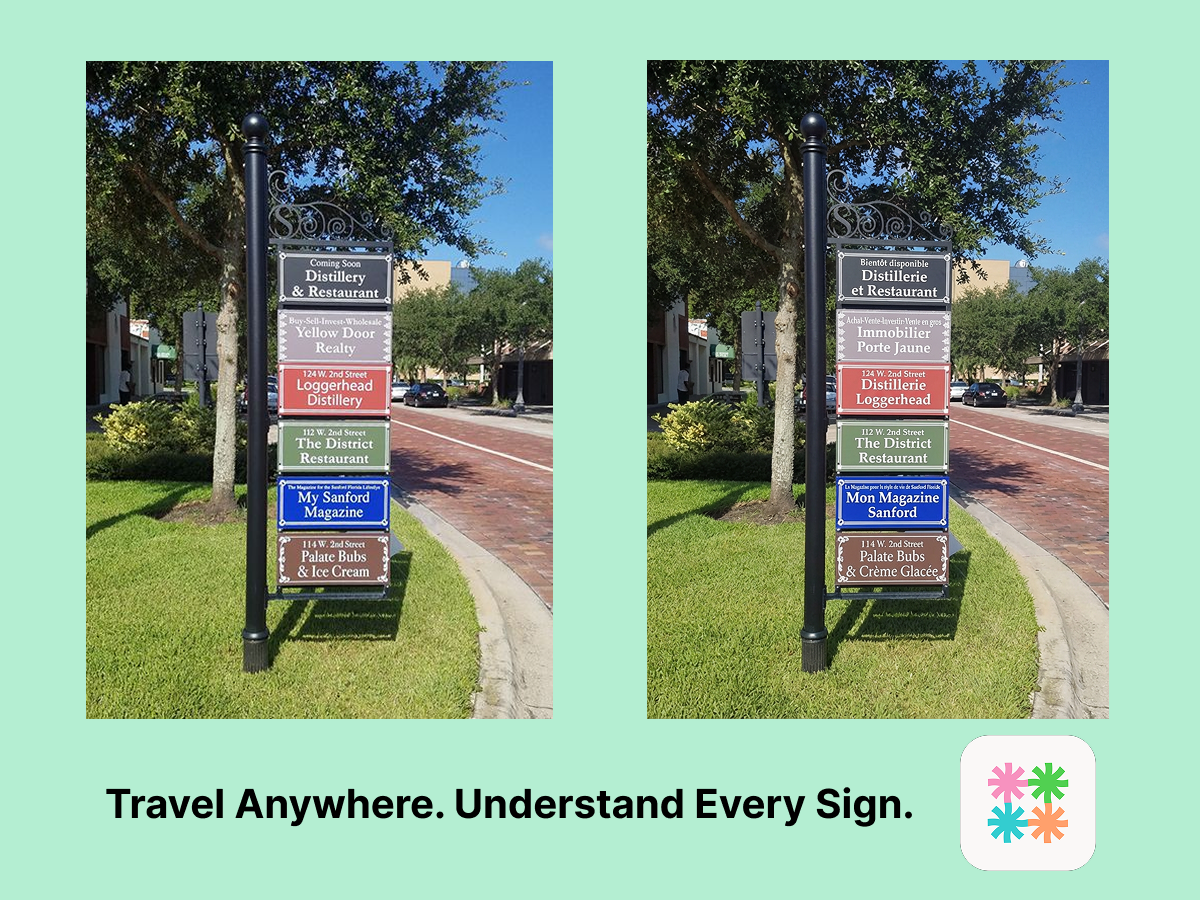
Try Intent's Camera Translator Free
How to Use Intent as Your Camera Translator
Intent provides a free image translator that works as a powerful camera translator directly from your phone browser. Here is the workflow: Snap the photo. Use your phone camera to photograph whatever text you need translated — a street sign, a metro map, a menu, a product label, or a notice on a shop door. Keep the camera steady and get close enough for the text to be legible. Upload and choose your language. Open Intent's image translator in your browser and upload the photo. Select your target language from over 100 options. Read the result. Within seconds, the tool returns a translated image that preserves the original layout, so the translated text appears where the original text was. You can save the image for reference later. The entire process takes under 30 seconds from photo to translated result. There is no app to install, no account to create, and no payment required to get started.
Real Scenarios Where Camera Translator Shines
Camera translation is useful far beyond reading menus. Here are the travel situations where it becomes indispensable. Navigating public transportation. Subway maps, bus route signs, and platform indicators in countries like Japan, China, and South Korea are often displayed only in the local language. A quick photo translation tells you which platform you need and which direction the train is heading — information you cannot afford to guess. Reading medicine and product labels. If you need to buy allergy medication, sunscreen, or cold medicine at a pharmacy abroad, misreading the label is not an option. Camera translation lets you verify ingredients and dosage instructions before purchasing. Understanding legal and safety notices. Rental agreements, hotel rules, parking regulations, and warning signs at tourist sites are frequently posted only in the local language. Translating these ensures you do not accidentally violate a policy or miss an important safety instruction. Shopping with confidence. Whether you are reading product descriptions at a local market, checking sizing guides at a clothing store, or comparing prices at a supermarket, camera translation turns foreign shopping from guesswork into informed decisions. Intent handles all these scenarios with the same straightforward workflow, including upload, translate and download. It also excels for digital content like translating manga pages or screenshots from foreign apps. For more translation tools and guides, explore the Intent blog.
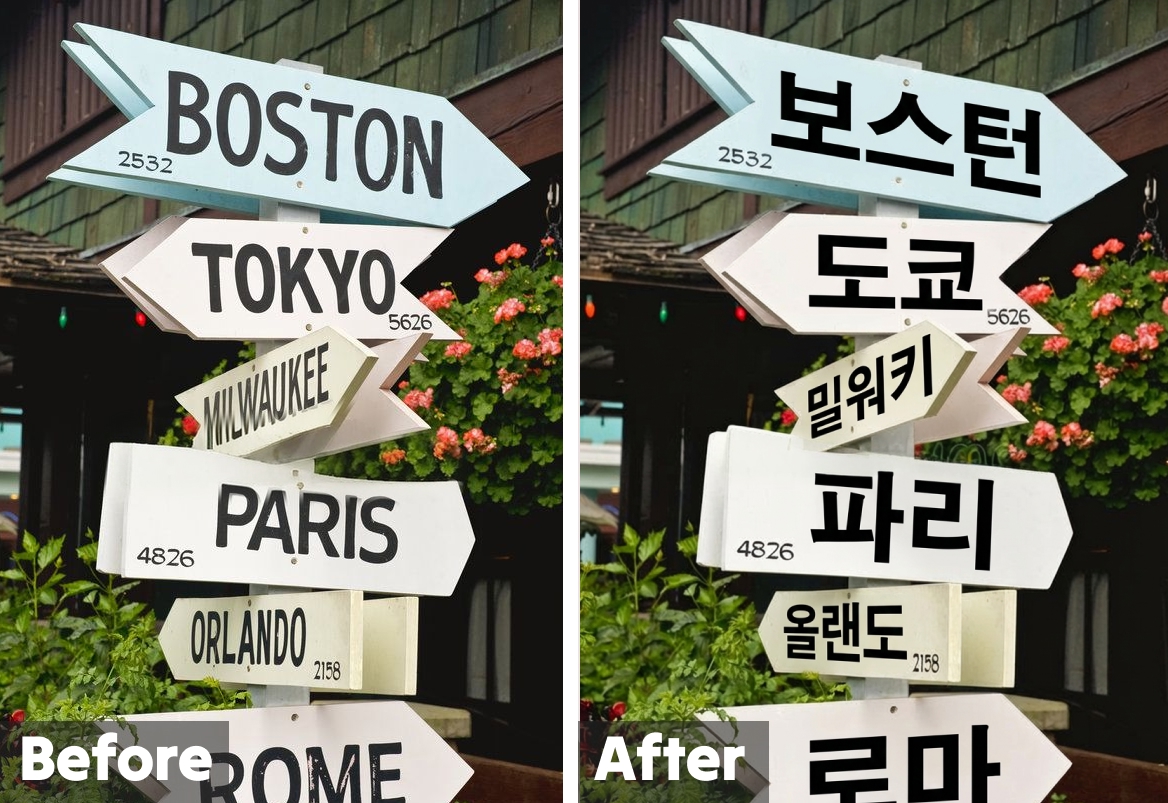
Why Intent Is the Best Camera Translator for Travelers
Travelers need a camera translator that works instantly, requires minimal setup, and delivers results they can actually act on. Intent's image translation tool checks every box. Zero install, zero friction. Everything runs in your mobile browser. No storage space wasted, no app permissions to manage, no updates to download on slow hotel Wi-Fi. Layout-preserving translations. The translated image mirrors the original document structure. A translated subway map still looks like a subway map, with station names positioned exactly where they belong. 100+ language support. From Japanese and Korean to Arabic and Thai, Intent covers the scripts travelers encounter most — including the ones that are hardest to type into traditional text translators. Context-aware quality. Instead of translating each word in isolation, Intent's engine considers context to produce natural-sounding output. "出口" on a Japanese sign becomes "Exit" rather than the literal character-by-character result. Free and instantly accessible. No subscription plans, no credit limits for basic use. You can photograph and translate dozens of signs, menus, and notices throughout your trip without hitting a paywall. Your phone camera is already the tool you use most while traveling. Pairing it with Intent's image translator turns it into your personal travel interpreter — ready whenever you encounter text you cannot read.