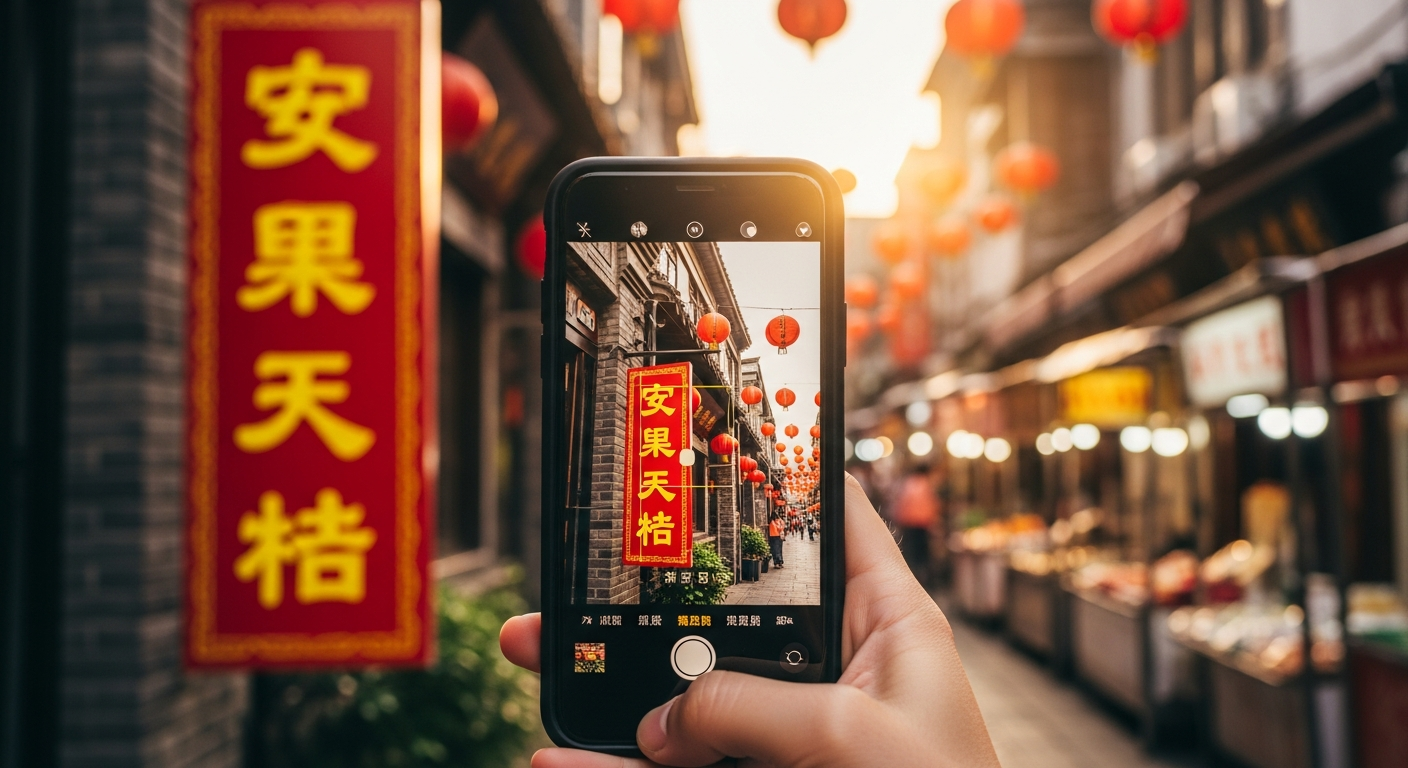
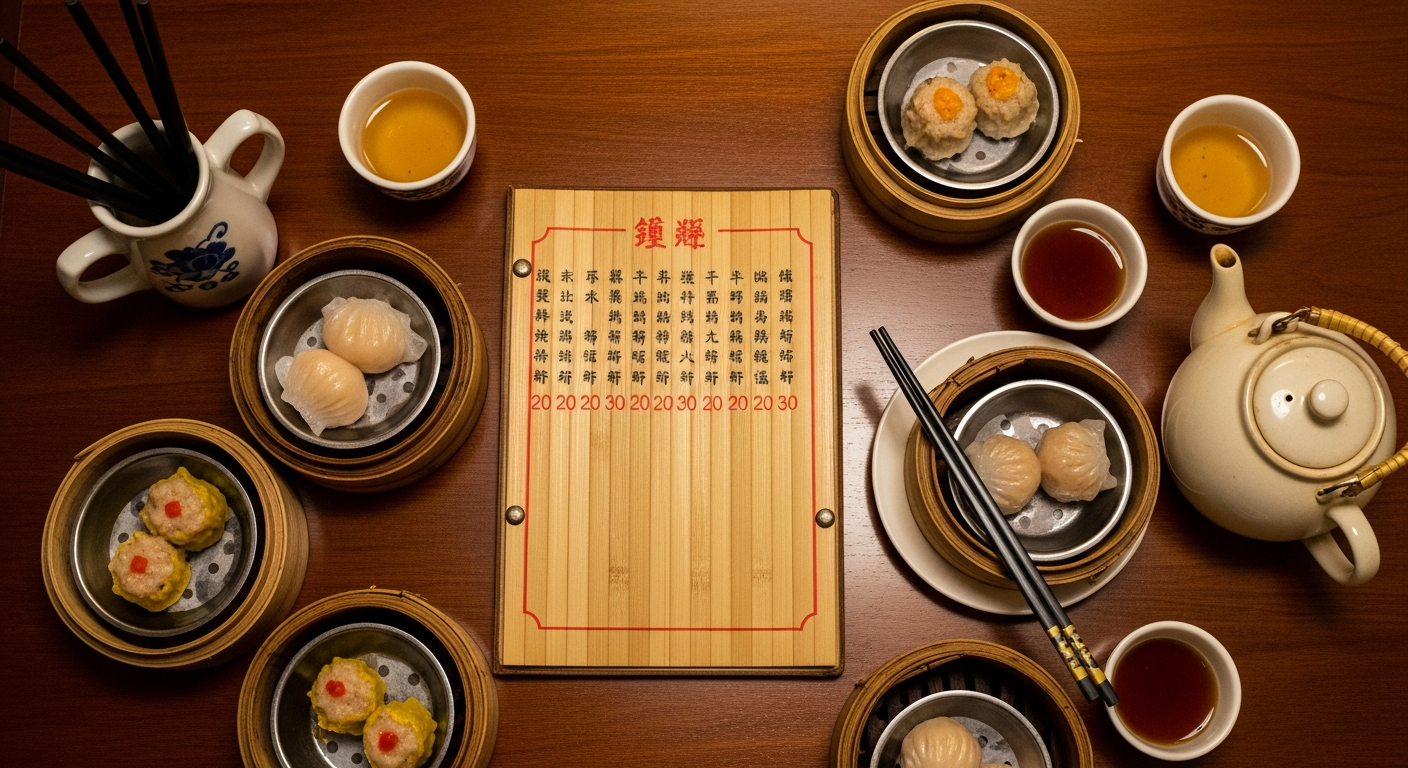
Chinese characters are among the most beautiful writing systems in the world — and among the hardest to decode if you do not read them. Whether you are traveling through mainland China, visiting Taiwan, exploring a Chinatown abroad, or reading a Chinese document for work, the reality is the same: without knowing the language, you cannot even begin to type the characters into a text translator. This is exactly where image translation solves the problem. Instead of trying to draw or identify individual characters, you photograph the Chinese text and let a translation tool handle recognition and translation in one step. This guide walks through how to translate Chinese to English from any image using Intent's free image translator — and why it works better than most alternatives for Chinese text.
Why Chinese Is Uniquely Challenging for Image Translation
Chinese text presents specific technical hurdles that many image translators handle poorly. Character density and complexity. A single Chinese character can contain over 20 strokes packed into a small square. Restaurant menus, medicine packaging, and government documents often use compact font sizes that blur together in low-resolution photos. The image translator must distinguish between visually similar characters like 大 (big) and 太 (too), or 日 (day) and 目 (eye) — a single stroke changes the meaning entirely. Simplified versus traditional characters. Mainland China uses simplified Chinese, while Taiwan, Hong Kong, and many overseas Chinese communities use traditional Chinese. A good translator needs to handle both systems accurately. Misidentifying the character set leads to garbled output. Vertical and mixed-direction text. Chinese text can flow left-to-right, top-to-bottom, or in mixed directions on the same sign. Traditional restaurant menus and temple signage often use vertical columns, while modern packaging uses horizontal text. The translation tool must detect text direction correctly before it can recognize the characters. Context-dependent meaning. Chinese is a highly contextual language. The character 打 alone can mean "hit," "play," "make a phone call," or "type," depending on the surrounding characters. Translating character-by-character produces nonsense — the tool must process phrases and sentences as units to produce accurate English output. Intent's image translator is designed to handle all of these challenges, delivering natural English translations from Chinese images without requiring you to know a single character.
How to Translate Chinese to English from Any Image
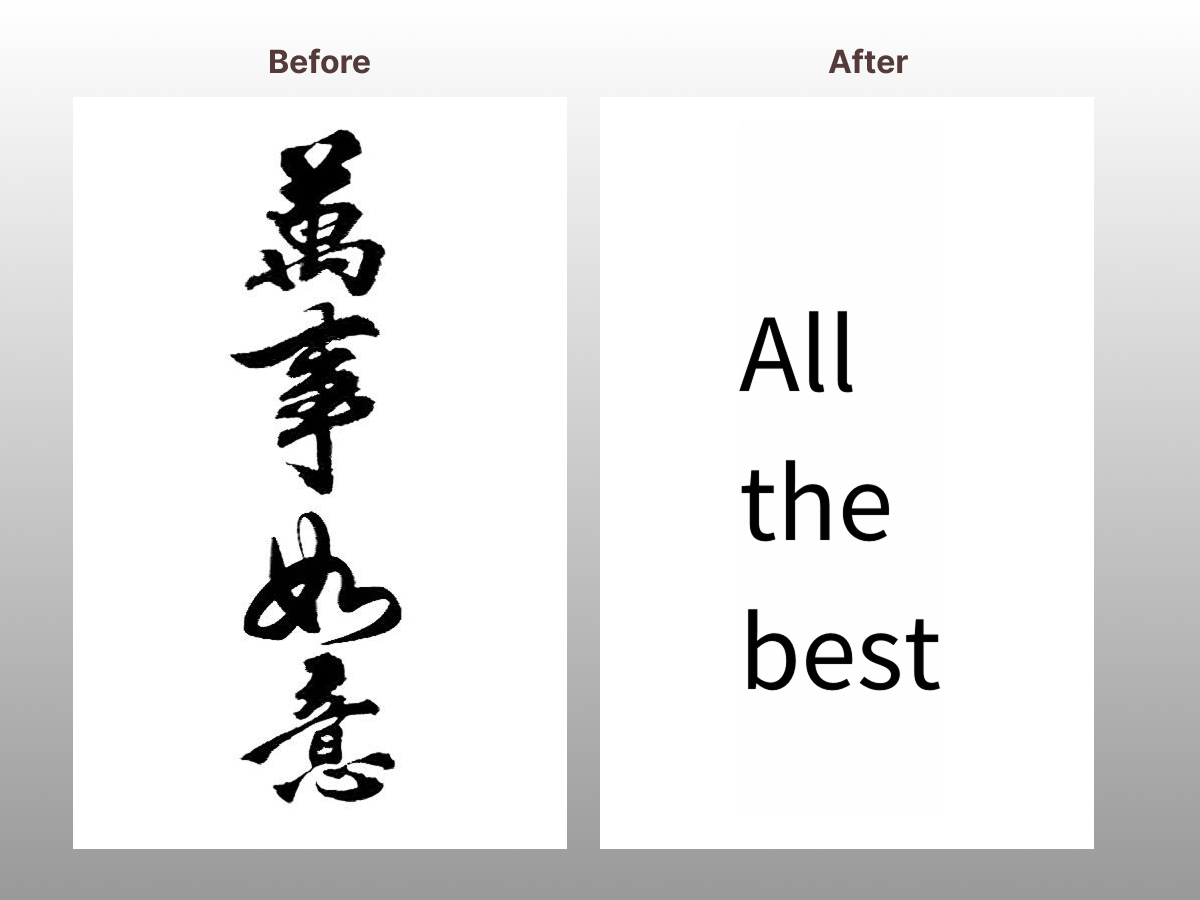
The process takes three steps and works on any device with a browser. Step 1: Capture the Chinese text. Use your phone camera to photograph the sign, menu, document, product label, or screen containing Chinese characters. Get close enough for the text to be sharp and fill most of the frame. Step 2: Upload to Intent. Open the free image translator in your browser and upload the photo. No app installation or account creation is needed. Step 3: Select English and translate. Choose English as your target language and tap translate. The tool returns a translated image within seconds, with the English text positioned where the Chinese characters appeared — preserving the original layout and visual context. You can use the same process for both simplified and traditional Chinese text. The tool automatically detects which character set is in the image. Need to translate text in screenshots instead of photos? The same tool handles that too.
Common Situations Where Chinese Image Translation Is Essential
Chinese image translation is not just for tourists visiting Beijing. The need arises in a surprising range of everyday situations. Traveling in China, Taiwan, or Hong Kong. Street signs, subway maps, restaurant menus, and museum exhibits are primarily in Chinese. While major tourist spots may have some English, once you step beyond the main attractions, everything is in Chinese. A quick photo translation lets you navigate streets, order food, and understand signs without hiring a guide. For more on translating photos during travel, see the photo translator guide. Reading Chinese product packaging. Whether you are shopping for skincare, snacks, or supplements at an Asian grocery store, the ingredient lists and usage instructions are often entirely in Chinese. Image translation lets you check for allergens, dosage instructions, or product claims before buying. Understanding Chinese documents and screenshots. Business professionals working with Chinese partners frequently receive contracts, invoices, or WeChat screenshots in Chinese. Instead of hiring a translator for a quick comprehension check, uploading the image to Intent provides an instant working translation. Exploring Chinese social media and forums. Chinese platforms like Xiaohongshu, Weibo, and Douyin contain a wealth of restaurant reviews, travel tips, and product recommendations. Screenshots of posts and comments can be instantly translated to English, opening up an information source that most English speakers never access. The same approach works for translating Korean text in images from K-pop fan communities and webtoon platforms. Reading Chinese calligraphy and signage in Chinatowns. Even if you live in New York, San Francisco, or London, the Chinese signs in Chinatown neighborhoods are often untranslated. Image translation helps you discover local shops, read event announcements, and understand the cultural inscriptions you walk past every day.
Tips for Translating Chinese Images Accurately
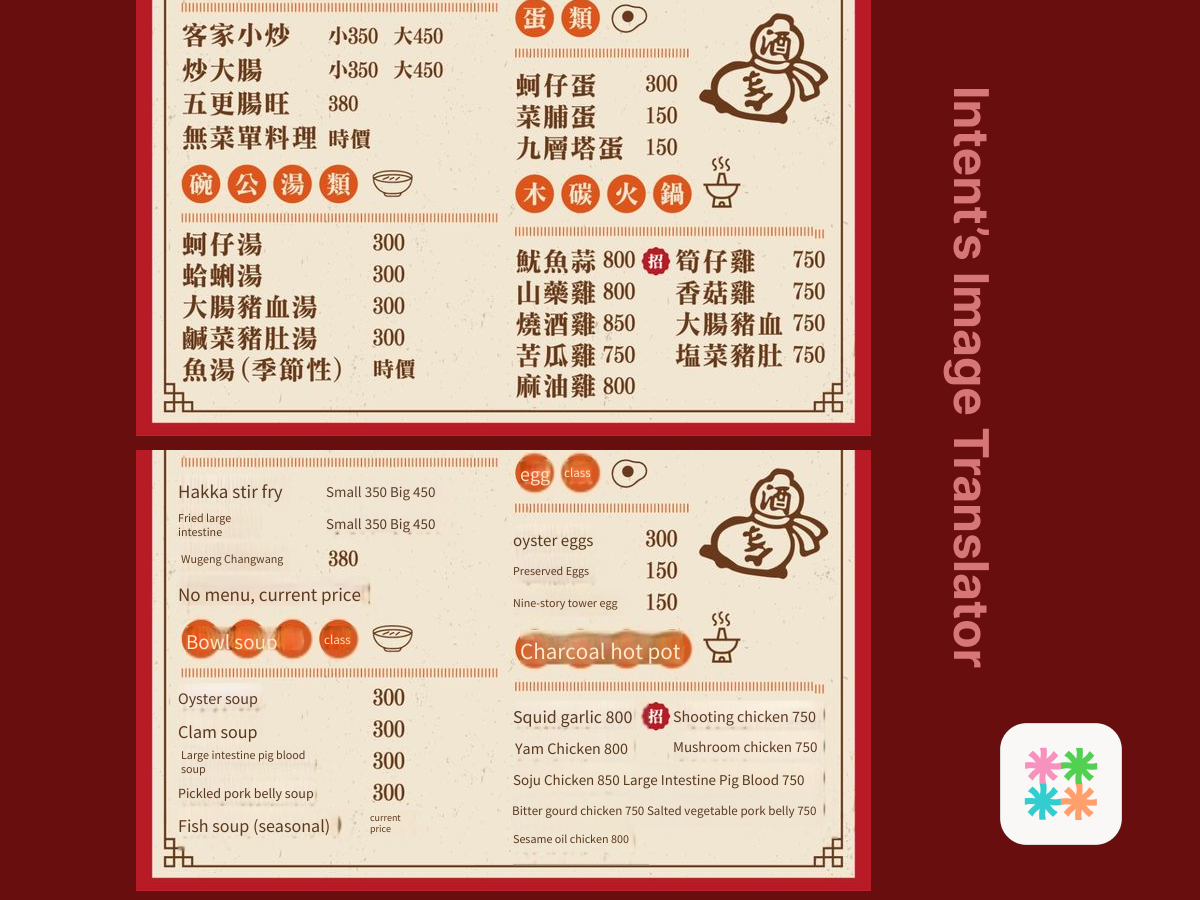
Chinese text recognition improves dramatically with better input. Follow these guidelines for reliable results. Maximize contrast. Chinese characters are most accurately recognized when the text is dark on a light background or light on a dark background. Avoid photographing text on patterned backgrounds like textured restaurant walls or decorative packaging — crop to the text area if possible. Get close for small characters. Chinese characters on medicine labels, ingredient lists, and footnotes are often tiny. Move your phone as close as possible while keeping focus sharp. Zooming digitally after capture reduces quality — physical proximity is better. Shoot straight-on for vertical text. Vertical Chinese text on traditional signage is common. Photograph it head-on rather than at an angle. Perspective distortion confuses the character recognition engine and produces errors on characters that look similar at skewed angles. Handle handwritten Chinese carefully. Handwritten Chinese varies enormously between individuals and is significantly harder to translate than printed text. For handwritten menus or notes, take the highest-quality photo possible with maximum lighting and steady hands. For tips on translating other types of images including manga panels and comics, visit the Intent blog and the manga translator guide.
Why Intent Is the Best Tool for Chinese to English Image Translation
Several translation apps claim Chinese support, but Intent delivers the combination of features that actually matter for Chinese text. Both simplified and traditional Chinese recognized. You do not need to specify which character set your image contains — Intent detects it automatically and translates accordingly. Layout-preserving output. Chinese menus, signs, and documents have distinct visual structures. Intent returns a translated image that keeps the original formatting, so you can match each translated line to the corresponding section in the original. Context-aware translation quality. Rather than translating character by character, Intent processes full phrases and sentences, producing natural English that captures the actual meaning — not the literal decomposition of each character. 100+ languages beyond English. While this guide focuses on Chinese to English, Intent's image translator also translates Chinese to Spanish, French, Japanese, Korean, and over 100 other languages. It works just as well in the reverse direction for English speakers trying to produce Chinese text. Free, instant, and browser-based. No download, no registration, no waiting. Open the tool, upload your Chinese image, and read the English translation in seconds. It works on any phone, tablet, or computer with a browser. Chinese characters do not need to be a barrier anymore. Whether you are standing in front of a Chinese sign, reading a product label, or making sense of a Chinese document on your desk, one photo is all it takes to understand it.