

Whether you need to translate a restaurant menu abroad, read foreign-language product labels, or understand text in a screenshot, image translation tools have become essential. Technology has advanced rapidly and AI can now detect text in images, translate it, and render the result back onto the original image in seconds.
But not every tool works the same way. Some excel at quick mobile translations, others focus on design-preserving professional output, and a few try to do everything. In this comparison, we break down the best image translation tools available in 2026 so you can pick the right one for your use case.
What to Look for in an Image Translation Tool
Before diving into specific tools, here are the key factors that separate a good image translator from a mediocre one:
- Language coverage — How many source and target languages does it support? Most casual users need at least 20-30 languages, but broad support (100+) matters if you work with less common languages.
- Layout preservation — Does the translated text appear where the original was, maintaining fonts and visual style? This matters for manga, marketing materials, and anything visual.
- Speed and ease of use — Can you upload and translate in seconds, or does it require complex setup?
- Free access — Is there a usable free tier, or is everything locked behind a paywall?
- Platform compatibility — Does it work on mobile and desktop? Browser-based or app-required?
With these criteria in mind, let us look at the top contenders.
Intent — Free Online Image Translator
Intent offers a completely free, browser-based image translator that requires no account creation, no app install, and no credit card.
Strengths:
- Translates images in seconds with 100+ language pairs
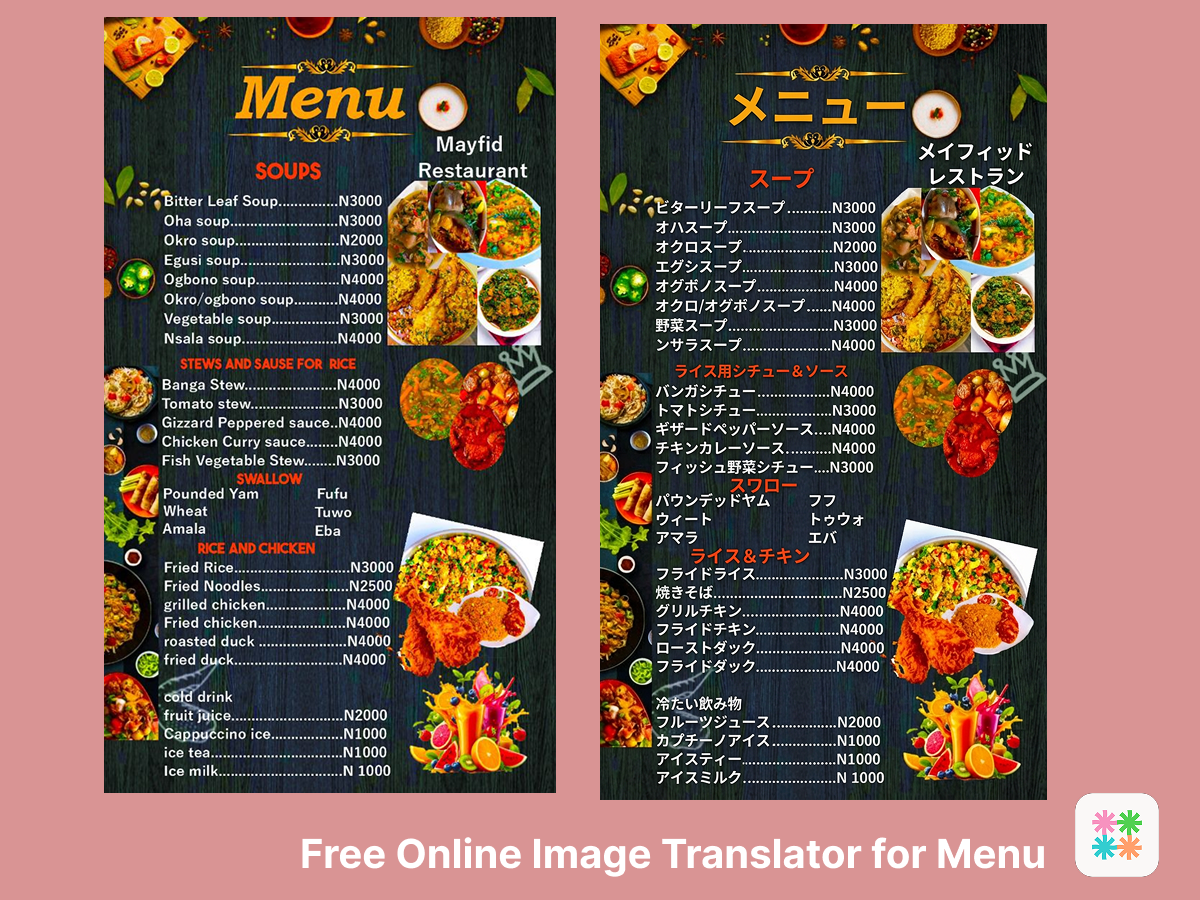
- Preserves original layout: translate text replaces the original naturally within the image
- Works on any device with a browser (desktop, tablet, mobile)
- 2 free translations immediately, 5 more after signing in
- Integrated with Intent's messaging platform for seamless sharing. Translate and send in the same flow
- Handles diverse content: manga panels, street signs, product labels, documents, screenshots
Best for: Anyone who wants quick, high-quality image translations without downloading software or paying for a subscription. Especially strong for manga and comic translation thanks to its layout-aware rendering.
Try Intent's Image Translator Free
Google Translate — Camera and Photo Translation
Google Translate is the most widely known translation app, and its image translation features have improved significantly. The mobile app supports real-time camera translation (point your camera at text and see translations overlaid live) and photo upload translation.
Strengths:
- Massive language support (130+ languages)
- Real-time camera mode for instant on-the-go translation
- Offline translation available for many languages
- Free with no usage limits
Limitations:
- Camera mode works best for simple, well-lit text — struggles with stylized fonts or complex layouts
- Does not preserve image layout — translations appear as plain text overlays or in a separate text box
- Photo upload mode extracts text but does not render it back onto the image
- Not ideal for visual content like comics, posters, or marketing materials
Best for: Travelers who need quick, on-the-spot translations of signs and menus using their phone camera.
ImageTranslate — Design-Focused Professional Tool
ImageTranslate positions itself as an all-in-one solution for translating text within images while preserving visual design. It supports 40+ languages and focuses heavily on maintaining font styles and layouts.
Strengths:
- Preserves original design — fonts, colors, and positioning stay close to the original
- Visual editor for post-translation adjustments
- Handles curved and stylized text well
- Supports batch processing for professional workflows
Limitations:
- Requires account registration for full features
- Free tier is limited — most serious use requires a paid subscription
- 40+ languages is notably fewer than competitors with 100+ support
- Interface can feel complex for casual users
Best for: Professional designers, e-commerce teams, and marketers who need polished translated images for commercial use.
DeepL — High-Quality Text Translation (Limited Image Support)
DeepL is widely regarded as one of the most accurate text translators available, particularly for European languages. Its image translation feature is still in beta and remains limited compared to dedicated tools.
Strengths:
- Exceptional translation quality for European languages
- Natural-sounding output that reads better than many competitors
- Growing language support (30+ languages)
Limitations:
- Image translation is a secondary feature, still evolving
- No layout preservation — extracted text is translated separately
- Limited image format support
- Not suitable as a primary image translation tool
Best for: Users who prioritize translation accuracy for text-heavy documents and do not need visual layout preservation.
How to Choose the Right Tool
The best image translation tool depends on what you are translating and why:
- Casual travel and everyday use: Google Translate's camera mode is convenient for quick translations on your phone. For higher quality results with layout preservation, try Intent's free photo translator.
- Comics, manga, and visual content: Intent and ImageTranslate both preserve layouts, but Intent offers this for free with broader language support.
- Professional and commercial use: ImageTranslate and Smartcat offer advanced editing and batch processing for teams that need polished output at scale.
- Text-heavy documents: DeepL produces the most natural translations for European language pairs, though it lacks image-specific features.
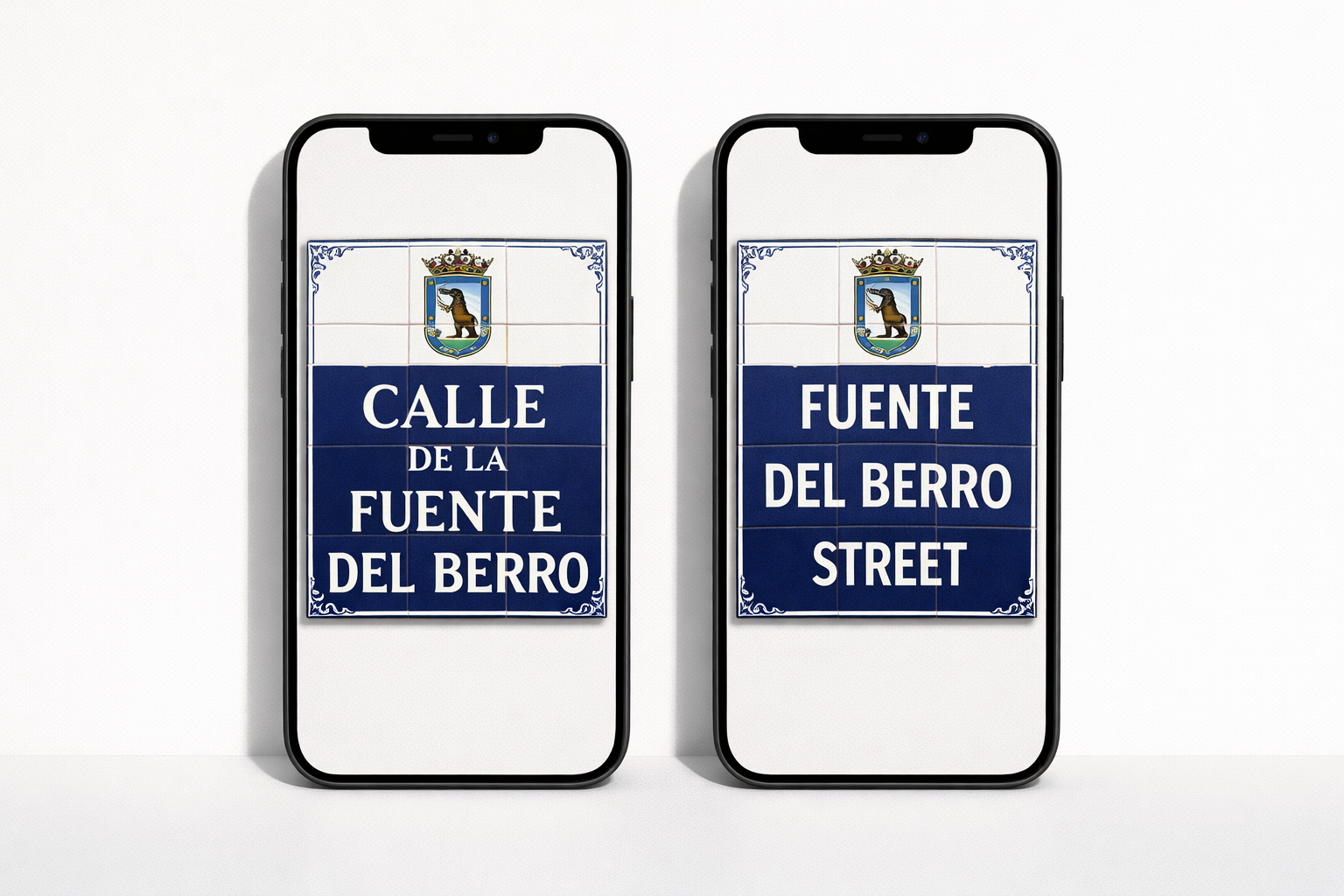
For most people who want a fast, free, high-quality image translator that works across content types and languages, Intent is the strongest all-around option in 2026.
Compare for Yourself — Try Intent Free
Want to explore more AI translation tools and tips? Browse the latest guides on the Intent blog.